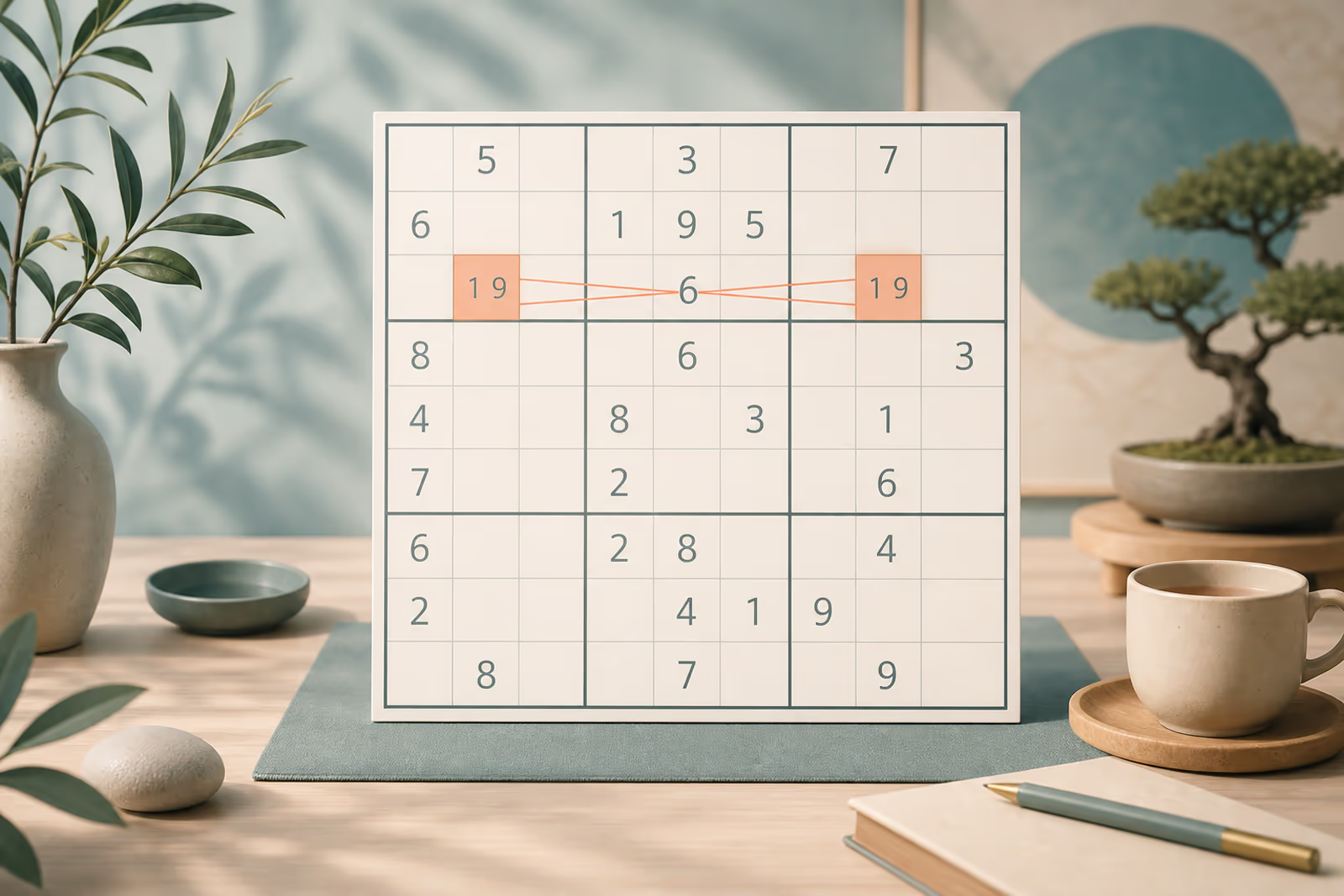
Pencil Marks Done Right: Clean Notes for Faster Solves
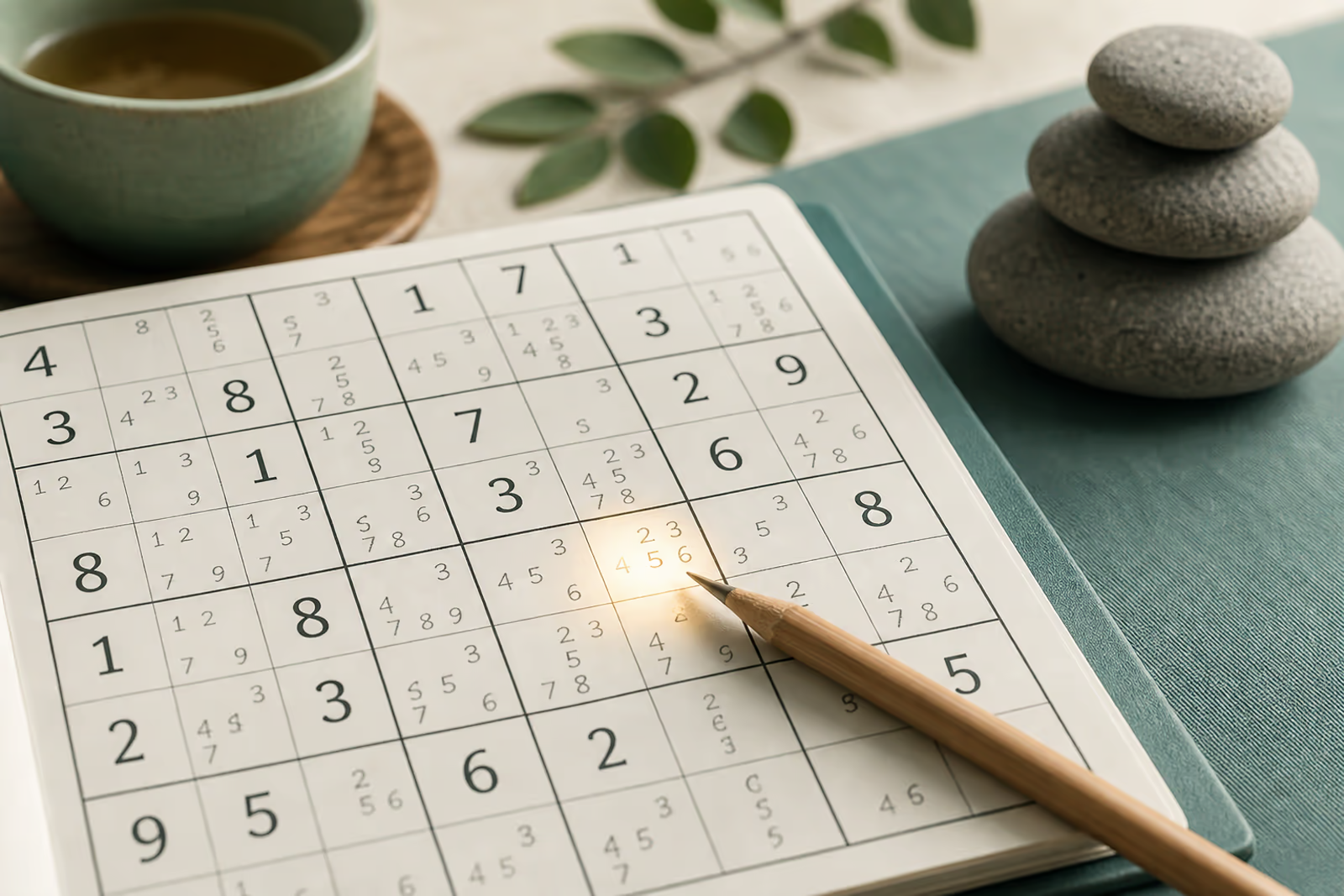
Pencil marks (candidate notes) turn a blank cell into a shortlist. Used well, they make Hidden Singles and Naked Pairs obvious. Used poorly, they bury the board under stale digits and slow you down. The goal is not to fill every empty cell with 1–9 — it is to keep a honest shortlist that updates after every move.
Notes are a map. Out-of-date maps get you lost.
What good pencil marks look like
A good note set answers one question: which digits are still possible here? On Sudoku Hot, Notes mode lets you tap candidates in and out without cluttering the big digit. Prefer light marking — only mark cells you are actively studying, or only mark digits that already feel constrained. Full-board "fill every candidate" works for some advanced techniques, but beginners often benefit from selective notes that highlight the next elimination.
A clean notes workflow
- Place obvious singles first. Fill Naked and Hidden Singles before flooding the grid with notes. Notes should support logic, not replace a basic scan.
- Mark only what you need. When stuck on a house, add candidates for that house. Avoid writing nine digits in every empty cell "just in case."
- Update notes after every placement. The moment a digit lands, erase it from peers in its row, column, and box. Stale candidates create false pairs and fake X-Wings.
- Use Notes mode as a mode, not a lifestyle. Toggle Notes on to edit candidates, then toggle off to place big digits. That mental switch keeps the board readable on phone and desktop.
Example: updating notes after placing a 6
Suppose you place 6 in r4c5. Every unsolved peer in row 4, column 5, and the same 3×3 box can no longer contain 6. Updating those three units immediately keeps later pairs and singles trustworthy.
- Sweep the row. Remove candidate 6 from every unsolved cell in row 4. If a cell loses its final extra candidate, pause and record the new single.
- Sweep the column and box. Repeat the removal in column 5 and the middle 3×3 box. Count overlapping cells once; the goal is accuracy, not speed.
- Follow the consequences. Check whether a digit now has only one position in any affected unit, or whether two cells have collapsed into a Naked Pair.
Common pencil-mark mistakes
Copying every possible digit without a plan
Full candidate notation can help advanced solving, but entering it mechanically creates visual noise. Use it deliberately and keep it maintained.
Leaving stale candidates behind
One outdated note can create a fake pair or hide a real single. Treat note cleanup as part of every placement, not as optional housekeeping.
Placing a note as a final answer
On digital boards, confirm whether Notes mode is active before tapping. A candidate is a possibility, not a committed value.
A clean-notes practice checklist
- Before adding notes, fill all obvious naked and hidden singles you can see.
- After every placed digit, clear that candidate from its row, column, and box.
- Periodically choose one house and verify every remaining note against the placed digits.
Practice this workflow on Easy and Medium grids until updating notes feels automatic. Then take the same discipline into Hard, Expert, and Hell Mode — clean candidates are what make advanced patterns visible.
Pencil marks FAQ
Should I write candidates in every empty cell?
Not always. Selective notes are often clearer for beginners, while complete notation helps with advanced patterns such as X-Wings. Whichever method you choose, consistency matters most.
When should I erase a pencil mark?
Erase it as soon as the same digit is placed in a peer cell or another valid rule proves it impossible. Delayed cleanup makes later deductions unreliable.
Are pencil marks a form of guessing?
No. A pencil mark records a value that remains logically possible. Guessing means committing to a value without proof; good notes help you avoid that commitment.