Sudoku Candidate Elimination: A Practical Beginner Guide
Candidate elimination is the bridge between “I understand the rules” and “I can solve a difficult grid.” A candidate is simply a digit that still fits an empty cell after checking its row, column, and 3×3 box. Good solving does not mean writing every number everywhere. It means keeping an accurate set of possibilities, removing a digit only when a rule proves it impossible, and noticing when those removals create a single or a reusable pattern.
Every useful note answers one question: which digits are still legally possible in this cell?
What is candidate elimination?
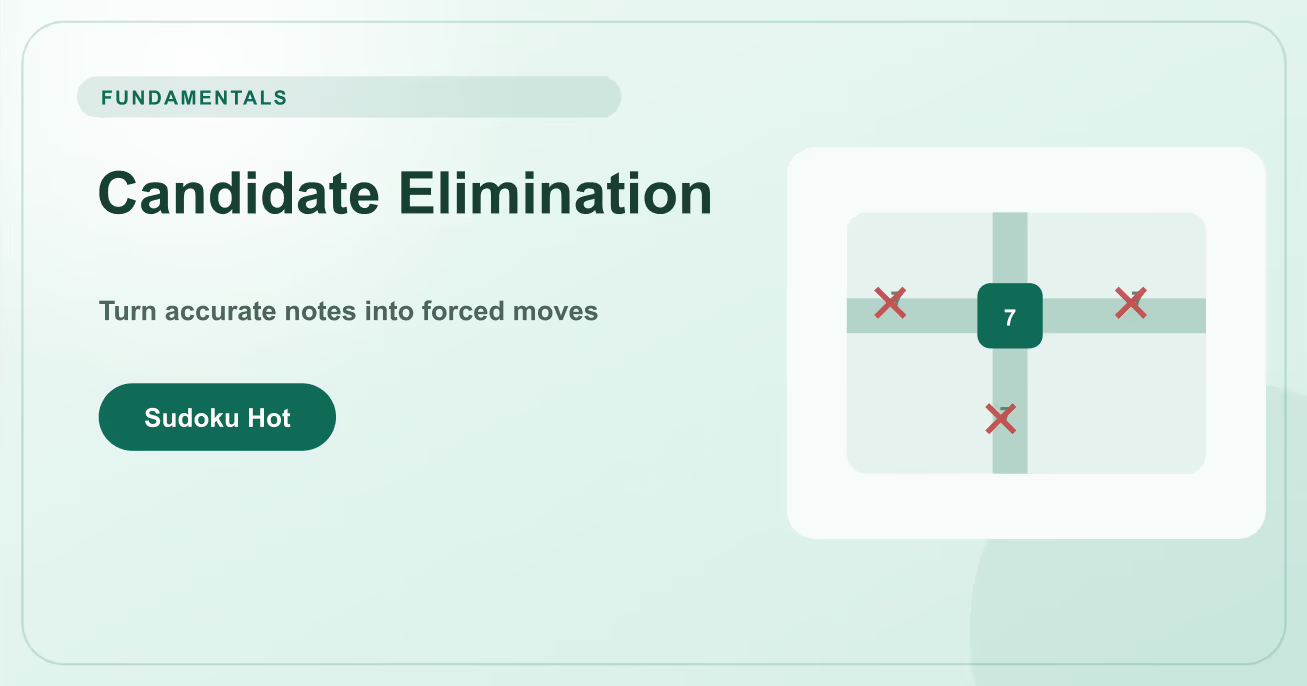
Candidate elimination is the process of removing impossible digits from an unsolved cell. The first eliminations come directly from placed digits: if row 5 already contains 7, no other cell in row 5 may keep candidate 7. The same check applies to the column and box. Later eliminations come from patterns such as Naked Pairs, Hidden Pairs, Locked Candidates, and X-Wing. These patterns do not guess a final value; they prove that one or more candidates cannot participate in any valid completion. When one cell has only one candidate left, it becomes a Naked Single. When one digit has only one remaining cell in a house, it becomes a Hidden Single.
A reliable candidate workflow
- Fill direct singles before adding notes. Scan crowded boxes, rows, and columns first. Every confirmed digit reduces the amount of candidate work needed later.
- Check all three constraints. For each empty cell, remove digits already present in its row, its column, and its 3×3 box. A digit remains a candidate only if it survives all three checks.
- Update peers immediately. After placing a digit, erase that candidate from every unsolved peer in the same row, column, and box before looking for a new pattern.
- Search for restricted groups. Compare candidate lists inside one house. Identical two-digit cells, digits restricted to two positions, or box-line alignments support further eliminations.
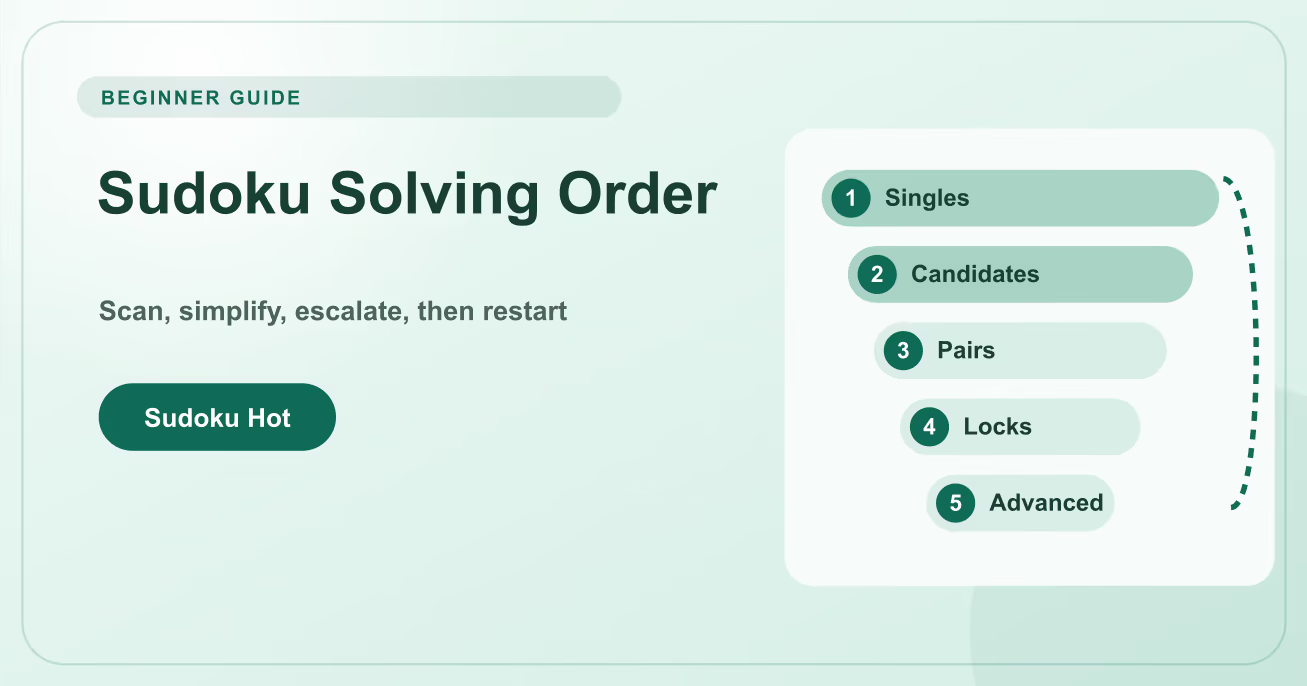
- Return to singles after every change. One small deletion may leave a cell or digit with only one position. Collect that easy result before escalating to a more complex technique.
Worked example: reducing r5c6 to one candidate
Suppose the missing digits in row 5 are {2,4,7}. Cell r5c6 shares a column that already contains 2, and its 3×3 box already contains 7. Those two constraints remove 2 and 7, leaving only 4.
- Start from the row. List only the digits missing from row 5: 2, 4, and 7. Digits already present in the row never belong in the initial candidate set.
- Apply the column constraint. Column 6 already has a placed 2, so delete 2 from r5c6. The cell now contains candidates {4,7}.
- Apply the box constraint. The middle-right box already contains 7, so r5c6 cannot be 7. Candidate 4 is the only remaining legal value.
- Place and propagate. Write 4 in r5c6, remove candidate 4 from its peers, and rescan row 5, column 6, and the box for a newly created single.
Common candidate mistakes
Adding instead of eliminating
Do not copy 1–9 into every cell and hope patterns emerge. Begin with missing digits and remove what the three constraints forbid.
Leaving stale notes
A candidate that should have been removed can create a fake pair or hide a real single. Candidate maintenance is part of every placement.
Deleting without naming a rule
A candidate that feels unlikely is still possible. Before removing it, identify the placed peer or pattern that proves the elimination.
Candidate elimination checklist
- For one empty cell, say the missing row digits, then remove conflicts from its column and box.
- After every placement, sweep the affected row, column, and box before moving elsewhere.
- Circle cells with two candidates and digits with only two positions, but verify the whole house before claiming a pattern.
- Use Notes mode for possibilities and large digits only for values that are logically forced.
Candidate elimination is not a separate advanced trick. It is the bookkeeping layer beneath almost every technique. Practice on a Medium Classic puzzle: write only honest possibilities, update all peers, and explain every deletion. Once the notes can be trusted, pairs, locks, and fish patterns become visible instead of mysterious. If a deduction fails, restore the removed candidate and audit the exact row, column, or box that was supposed to support it.
Candidate elimination FAQ
Should every empty cell have candidate notes?
Not on every puzzle. Selective notes are often enough on Easy and Medium grids, while complete notes help verify advanced patterns on Hard, Expert, and Master.
Can I remove a candidate because it leads to a difficult position?
No. Difficulty is not a contradiction. Remove a candidate only when a Sudoku constraint or a valid logical pattern proves it impossible.
What is the difference between a candidate and a guess?
A candidate records a value that remains possible. A guess commits to one possibility without proof. Accurate notes help keep that distinction visible.
Why did a pair disappear after I updated notes?
It may have been built from a stale candidate, or the update may have solved one member. Recheck the current lists rather than preserving an old pattern.
What should I scan after an elimination?
Start with the affected cell and house: look for Naked Singles, Hidden Singles, and short candidate groups before searching the wider board.